
For any repair, you can visit our store in Midtown Manhattan, New York. If you cannot, we also provide a mail-in repair service for phones, laptops and other devices. You just need to follow the steps below to carefully dispatch the device. Once we get the product, we diagnose the issue, repair the device after you approve the quote and send it back to you.
Mail-in repair for cell phones, iPhones, laptops and MacBooks: you ship the device to our Midtown Manhattan store, we diagnose it and repair it once you approve the quote, then ship it back. Mail-in repairs usually have no diagnostic fee; you pay for shipping both ways. You approve the quote before any repair. Most repairs have a 30-day limited warranty.
Get a mail-in repair quote 212-810-6432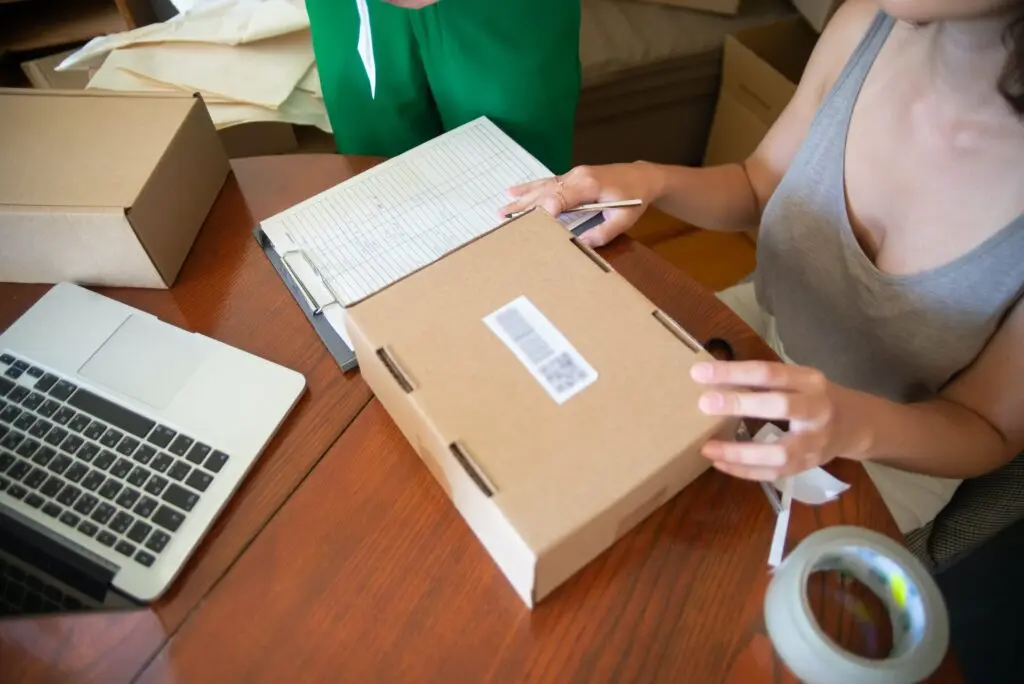
How Mail-In Phone Repair Works, Step by Step
Mail-in repair works the same way for a cell phone, a laptop or a MacBook: you ship the device, we diagnose it, you approve the quote, we repair it and ship it back. The repairs are the ones we do at the store counter: iPhone repair in NYC, laptop repair for Windows laptops and MacBook repair.
Step 1: Back Up and Package the Device
Back up your phone or laptop before you ship it. We try to keep your data on every repair, but a backup is the only safe copy. You can remove the passcode before you ship; if you keep it, do not write it on the note or put it in the box. We’ll contact you to confirm the issue and the quote.
Then package the device so it does not break during transit: wrap it in bubble wrap or foam, put it in a sturdy box a little bigger than the device and fill the gaps so it cannot move.
Step 2: Add Your Details
Stick a piece of paper on the box and write your details on it. For instance:
- Name
- Email address
- Phone number, so we can reach you about the quote
- Problem: a little description of the problem you are facing with the device, such as a cracked screen, a battery that drains or a laptop that won’t turn on. This helps us to generate a ticket.
Step 3: Ship the Device to Our Midtown Store
Once you pack the device, send it to our store through any courier service, to this address:
Quick Fix by iFix
347 Fifth Ave, 15th Fl, Suite 1502
New York, NY 10016
We recommend using a courier service that provides tracking of the device to keep you updated.
Step 4: Diagnosis and Quote
After receiving the device, we generate a ticket and send its number to your phone or e-mail address. Our experienced technicians conduct a diagnosis, and we’ll contact you to confirm the issue and the quote. Mail-in repairs usually have no diagnostic fee; for a hard case we agree on one with you before we start.
Step 5: Repair Approval
Nothing is repaired until you say yes to the quote. If you say no, we ship the device back to your address, and you pay for the return shipping.
Step 6: Repair Payment
When the repair is done, we send you the amount, which matches the quote you approved. Quick Fix accepts repair payments through Zelle and PayPal. If the technician finds another problem during the repair, we contact you before any extra work or charge.
Step 7: Return Shipping
After payment, we pack the device with care and ship it back to your address. The client pays for the return shipping.
Mail-In Repair Warranty
Most repairs have a 30-day limited warranty. Liquid damage repairs and repairs with customer-supplied parts have no warranty.
Questions Before You Ship?
We tried to answer your questions about our mail-in service on this page. If you have any further questions, or want a quote before you ship, send us a request. If you are in Manhattan, you can also walk in to our Midtown store instead of mailing the device.