Category
Computer Repair Shop in Midtown NYC Drone Repair Game Console Repair iPhone Repair Laptop Repair MacBook Repair Phone Repair Tablet Repair in Midtown NYC Watch Computer Repair Shop in Midtown NYC
In a city that never slows down, a cracked or malfunctioning iMac screen can be a major disruption. At Quick Fix by iFix, 347 Fifth Ave, 15th Floor, we repair iMac screens in Midtown Manhattan: cracked glass, lines, a dark or dim display, flicker and a pink or purple tint on 21.5-inch, 24-inch and 27-inch iMacs. We are an independent repair shop, not Apple, and we focus on getting you back to work, creativity, or everyday browsing.
We fix cracked glass, lines, dark or flickering displays and display cable faults on iMacs. Diagnostic $75, credited toward the repair, then a quote you approve before any repair. Most repairs have a 30-day limited warranty.
Get an iMac screen quote 212-810-6432Board, port and connector work at our Midtown store is done under a Zeiss Stemi 305 stereo microscope.
Screen fine, but the iMac is slow, won’t boot, or has a drive or power problem? Those faults are on our iMac repair page. With a diagnostic before any quote, our team makes it easy for you to get back on track.
iMac Screen Problems We Fix
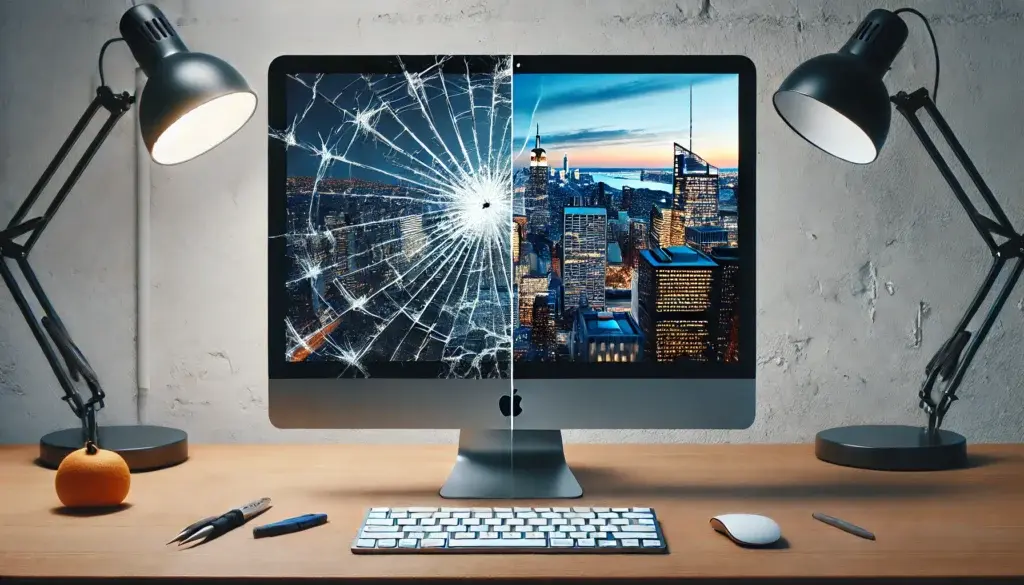
- Cracks and Shatters – Accidental drops or bumps can cause cracked or shattered screens. On iMacs from late 2012 on, the glass and the display are bonded into one part, so a crack means a new display assembly, priced by the model and screen size.
- Lines, Flicker and Dead Pixels – Common issues include vertical or horizontal lines, flickering, and dead pixels. They can come from the panel, the display cable or the graphics chip, and the diagnostic shows which one before you pay for a part.
- Dark or Dim Display (Backlight Problems) – If the iMac starts up but the screen stays black, shine a flashlight at it. A faint picture means the backlight has failed, not the whole computer.
- Pink or Purple Tint – A pink, purple or washed-out cast, often reported on 27-inch 5K iMacs, points to the panel or its cable.
- Display Cable Faults – A picture that cuts out, flickers when the iMac is moved, or shows lines after an earlier repair is often a damaged or loose display cable, which costs less to fix than a new panel.
- Glass Replacement – Many older iMacs (2011 and earlier) have a separate glass panel over the display, held on by magnets. If only that glass is cracked and the picture under it is clean, we replace the glass alone.
From June to October 2026 the five iFix stores, Quick Fix included, took in 100+ laptop and computer screen repairs, 10+ of them at this Midtown store. For all-in-ones from HP, Dell or Lenovo and for desktop monitors, see our computer screen repair page.
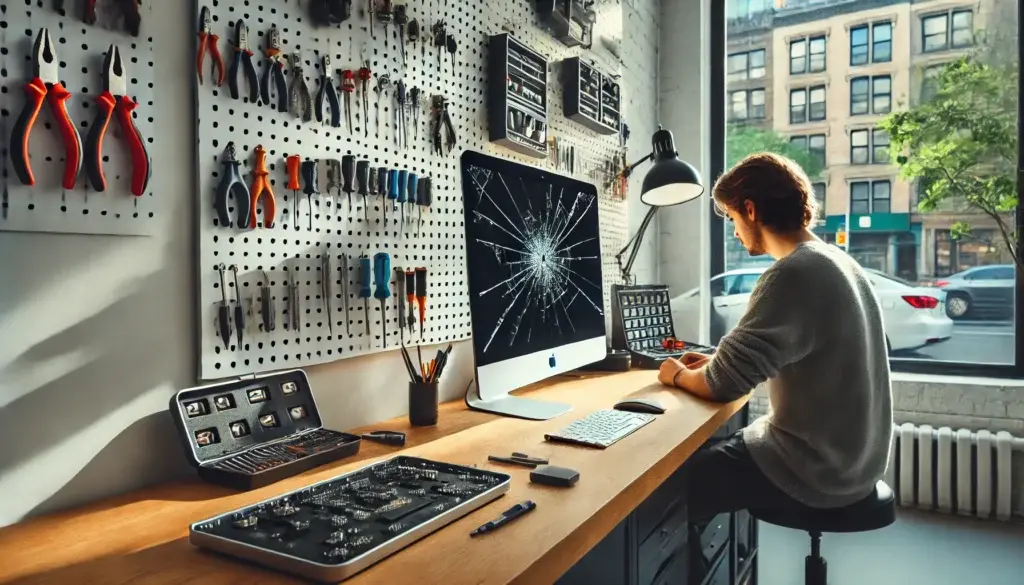
How Our iMac Screen Repair Process Works at Our Midtown Store
Our repair process is step by step, to make the repair reliable and long-lasting:
- Device Intake & Visual Inspection – We begin at the counter with a visual inspection to check for external damage like screen cracks and impact points, and we note the model, size and year of your iMac.
- Internal Diagnostic Analysis – Next, we test the display, the display cable and the graphics output, connect an external monitor where needed, and use multimeters to verify internal functionality.
- Software Testing & Quote – Diagnostic software assesses screen brightness and color accuracy. After diagnosing the problem, we provide you with a time and cost estimate, and nothing is repaired until you approve it.
- Repair & Final Check – We replace the display assembly, glass, backlight part or cable, reseal the screen to the frame, and check the picture with you at pickup.
What to Bring
- The iMac and its power cord (the 24-inch iMac uses an external power adapter).
- A keyboard and mouse if you have them, so the screen can be tested after the repair.
- A padded bag or the box it came in: carry a cracked iMac screen-in so the glass doesn’t break further on the way.
Common Concerns About iMac Screen Repair
Will my data be safe? Our screen repairs focus only on the display, not the storage, and we try to keep your data as it is. We still recommend a backup before any repair.
Are you Apple? No. Quick Fix is an independent repair shop. Parts options depend on your device model and repair. Before work begins, we explain the available option and confirm it with you.
How long will the repair take? It depends on the model and whether the display part for it is in stock. The quote tells you the timing before you approve the repair.
Repair or Buy a New iMac?
Compare Repair to Buying a New One – The cost of an iMac screen repair depends on the model and screen size, and on whether the fault is the panel, the backlight or a cable. The quote comes after the diagnostic, so you can compare it with the price of a new iMac before you decide.
Environmental Impact of Repair – Repairing your iMac is not only cost-effective but eco-friendly, reducing electronic waste. Each repaired device means less waste and a smaller carbon footprint, helping keep NYC greener.
Complex Repairs We Do for Advanced Issues
Our team can handle advanced screen repairs, including:
- Backlight and LCD Replacements – Repairing or replacing backlights and LCDs requires careful work and the right part for your exact model.
- Internal Component Repairs – For issues that go beyond the screen, like GPU and logic board problems, we diagnose first and tell you whether the repair makes sense.
How We Test an iMac Display
- External Monitor Test – Allows us to tell a failed screen from a graphics or logic board fault.
- Multimeter Checks – Used on the backlight and power lines to find the part that failed.
- Diagnostic Software – Used for testing screen performance, color accuracy, and to identify potential glitches.
iMac Screen Repair in New York City: Contact Us for Your Diagnostic
Quick Fix by iFix has done computer repairs in Midtown Manhattan for 15+ years. With a diagnostic first, a clear quote, and skilled technicians, we make it easy to get your iMac back to top shape. For laptops, PCs and other desktops, visit our computer repair shop in Midtown NYC.
Get in touch today for a diagnostic: send the form, call 212-810-6432, or walk in with your iMac.